
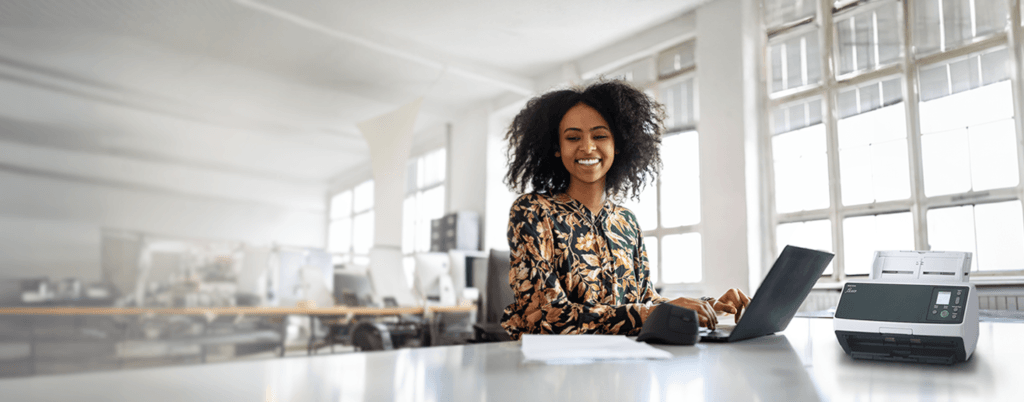
High-Speed Document Scanners: Revolutionizing Your Workflow
Top-Rated Ricoh Scanners for Efficient Document Management: Explore Our Range of High-Performance Models
Ricoh document scanners
are engineered for speed and accuracy, ensuring that your business can handle high volumes of scanning without sacrificing quality. These devices are essential for organizations looking to digitize their paperwork efficiently and effectively.
Key Features:
Fast Scanning Speeds: With speeds of up to 60 pages per minute, Ricoh scanners can process large documents quickly, making them ideal for busy office environments where time is of the essence.
Advanced OCR Scanning: Optical Character Recognition (OCR) technology allows users to convert scanned images into editable text, enabling easier document management and storage. This feature is vital for businesses that rely on accurate data entry and digital documentation.
Network-Ready Solutions: Ricoh scanners can seamlessly integrate into your existing network, allowing multiple users to access the device from different locations within the office. This connectivity enhances collaboration and streamlines workflows.
Recommended Models:
Ricoh Aficio Scanner: Known for its reliability and ease of use, this model has been a favorite among businesses seeking a straightforward scanning solution. The Ricoh Fi and SP models have replaced the older Ricoh Aficio line
Multifunction Printer-Scanner-Copier Devices: The All-in-One Solution
Incorporating multifunction printer-scanner-copier devices into your office can significantly enhance productivity. Ricoh’s multifunction devices are designed to streamline various tasks, allowing users to print, scan, and copy with ease.
Highlight Models:
Ricoh MP 501 Scanner: While older, this model remains reliable for everyday office tasks. Businesses looking to leverage this model should note that upgrading to newer versions can offer enhanced features and improved support.
Ricoh MPC 2003 Scanner: This model also serves basic scanning needs effectively, though it is considered outdated compared to newer options.
Space-Saving Design
These devices combine multiple functionalities in one unit, reducing the need for separate machines and saving valuable office space.
User-Friendly Interface
Equipped with intuitive touch screens and customizable options, Ricoh multifunction devices are easy to operate, making them accessible to all employees.
Enhanced Productivity
With features like automatic duplex scanning and printing, these devices can reduce manual effort and increase efficiency.
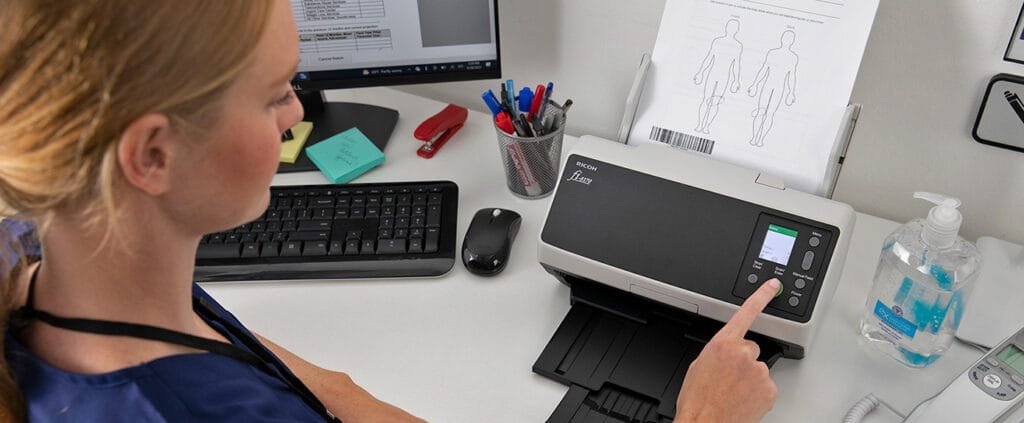
Unleash the Power
Uniting Ricoh and Fujitsu: A New Era in Scanning Technology
The merger between Ricoh and Fujitsu marks a significant advancement in scanning technology, enabling businesses to benefit from a wider array of innovative solutions.
Network and Desktop Scanners: Simplifying Your Office Workflows
Ricoh’s network and desktop scanners offer unparalleled convenience for document sharing and storage, making them essential tools for modern offices.
Top Features:
Scan-to-Folder Options: Users can easily scan documents directly to designated folders, streamlining the process of organizing digital files. This functionality is particularly useful for teams working on collaborative projects.
Cloud Integration Capabilities: With cloud-based solutions, employees can access their scanned documents from anywhere, enhancing flexibility and remote work capabilities.
High-Speed Scanning: These scanners are designed for quick document processing, allowing businesses to maintain productivity even during peak workloads.
Best Models:
Ricoh Network Scanner: This model is perfect for large offices where multiple users need access to scanning capabilities. Its network-ready design ensures that everyone can benefit from fast and efficient document scanning.
Photo Scanners: Digitizing Memories with Ricoh
For photographers and those looking to preserve their memories, Ricoh offers high-quality photo scanners that deliver stunning results.
Top Recommendations:
Ricoh Photo Image Scanner: Ideal for scanning both photographs and film, this model offers versatility for users looking to preserve their memories in digital format.
W
High-Resolution Scanning
Ricoh’s photo scanners provide exceptional image quality, allowing users to digitize photos with incredible detail.
Advanced Image Correction Technologies
These features help restore old photos, making them look as vibrant as they did on the day they were taken.
User-Friendly Interfaces
With intuitive controls and clear instructions, Ricoh photo scanners make the process of digitizing images simple and straightforward.
Mobile Scanning: Seamlessly Scan Documents with Your iPhone or Android
In an era where mobility is key, Ricoh’s mobile scanning capabilities allow users to scan documents directly from their iPhones.
Benefits of Mobile Scanning:
Scan Documents on the Go: Ricoh’s technology enables quick and efficient scanning from your mobile device, making it perfect for professionals who are always on the move.
Instant Sharing: After scanning, users can easily share documents through various cloud services, streamlining communication and collaboration.
High-Quality Scans: With Ricoh’s mobile solutions, you don’t have to sacrifice quality for convenience. Enjoy high-resolution scans directly from your device.
How to Use:
Scanning Options: Using Ricoh’s mobile scanning applications, you can easily scan a document with your iPhone. Simply open the app, point your camera at the document, and follow the prompts to capture and save.
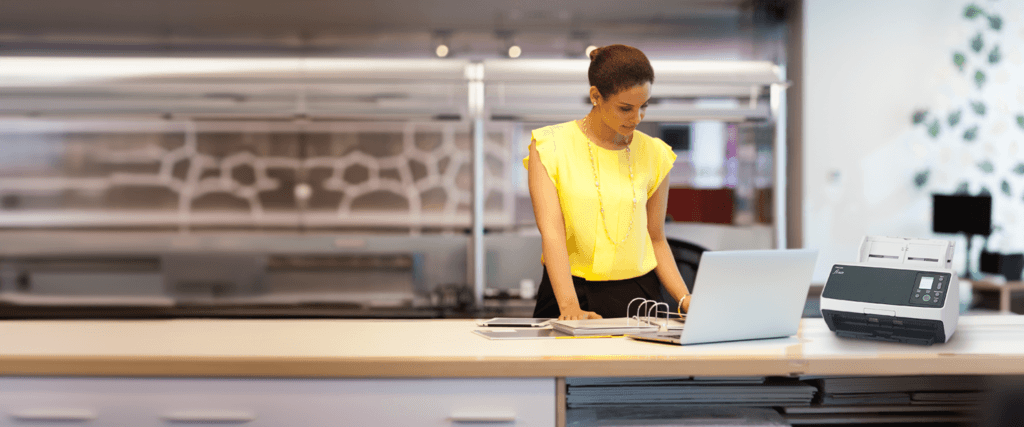
FAQs About Ricoh Scanners
This section addresses common questions about Ricoh scanners, including installation, usage, and support options. Get answers to queries about features, compatibility, and best practices for maximizing your scanner’s performance.
What are the best Ricoh scanners for office use?
The best Ricoh scanners for office use include high-speed document scanners like the Ricoh Fi and SP models which have replaced the Ricoh Aficio scanner and multifunction devices designed for networked environments. These scanners provide efficiency and reliability for everyday tasks.
Can I scan documents directly to my iPhone?
Yes, Ricoh offers mobile scanning capabilities that allow users to scan documents directly from their iPhones. Users can download the Ricoh mobile scanning app to facilitate this process.
How do I install a Ricoh printer scanner?
To install a Ricoh printer scanner, follow these steps:
Connect the device to your network or computer via USB or Ethernet.
Download the appropriate drivers from the Ricoh website.
Run the installation file and follow the on-screen instructions to complete the setup.
What is Ricoh Global Scan?
Yes, we offer international shipping to selected countries. During the checkout process, you will be able to see if your country is eligible for shipping. Please note that additional customs fees or taxes may apply upon delivery, which are the responsibility of the recipient.
How to use a Ricoh scanner?
Using a Ricoh scanner typically involves:
Turning on the device and ensuring it is connected to your network.
Placing the document you wish to scan into the feeder or on the flatbed.
Selecting the scan option on the control panel and choosing your desired settings (e.g., file format, resolution).
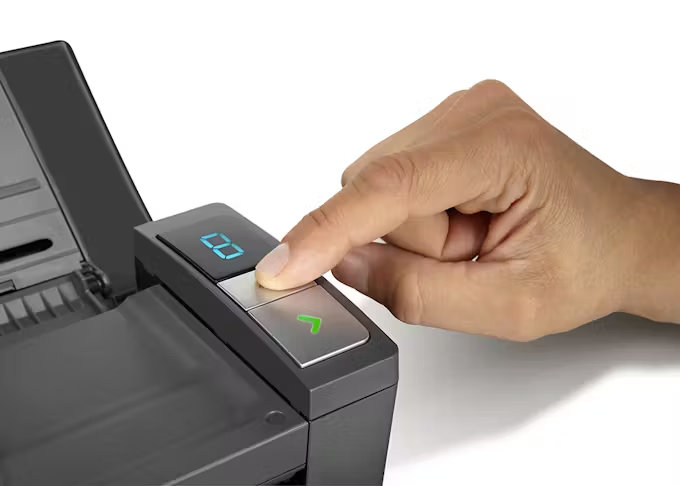
Pressing the “Scan” button to start the process. The scanned document will be sent to your selected destination.
Is Fujitsu now Ricoh?
Yes, Fujitsu and Ricoh have merged, allowing Ricoh to expand its product offerings and enhance its scanning technology. This collaboration enables customers to benefit from a broader range of advanced solutions in document management.
What types of documents can Ricoh scanners handle?
Ricoh scanners can handle various types of documents, including standard letter-sized papers, legal documents, business cards, and even photos. Some models can also scan fragile or oversized documents.
Are Ricoh scanners suitable for high-volume scanning?
Yes, many Ricoh scanners are designed for high-volume scanning environments, featuring fast processing speeds, large input capacities, and advanced features to manage bulk document processing efficiently.
Can Ricoh scanners perform duplex scanning?
Yes, many Ricoh scanner models come with duplex scanning capabilities, allowing users to scan both sides of a document simultaneously, which saves time and improves productivity.
Where can I find support for my Ricoh scanner?
Support for Ricoh scanners can be found on the official Ricoh website, where you can access user manuals, driver downloads, and customer service contact information.
Still have a question?
If you have any other queries, feel free to reach out to us. Our knowledgeable team is here to help!
Legacy Models: Ricoh MP, MPC, IM Series
While older Ricoh MP, MPC, and IM models have provided dependable service, it’s essential to consider modern alternatives that offer improved efficiency and advanced features.
Considerations for Legacy Models:
Ongoing Functionality: Devices such as the Ricoh MP 501 scanner, Ricoh MPC 2003 scanner, and Ricoh IM series continue to function well in many offices. However, businesses should assess their evolving needs and consider upgrading to newer models for better support and capabilities.
Impact on Future Scalability: As businesses grow, their document management needs may change. Upgrading to the latest technology can provide the scalability necessary to meet future demands.